

They nod. You know.
Ask where they are.
They choose to share.
Type their number. We text them one link, with your name or without. If they tap Share, you see where they are, once. No app for them to install.
One text, one tap,
one location
Four steps, from their number to one dot on a map. These are the real screens, at their real size.
- Ask for a locationTheir mobile number+1(512) 555-0187Their name, only you see itAlexYour name, as they'll see itMorganAlex agreed to get one text from Mapnod about this request.The text they'll getMapnod: Morgan asks you to share your location once. Review and choose: mapnod.com/r#… One-time text sent at Morgan's request. Reply STOP to opt outSend requestOne text per request. Msg & data rates may apply. Reply HELP for help, STOP to opt out.
Type their number
Add your name, or leave it out. You see the exact text before it goes.
- 6:40+1 (888) 555-0142 ›‹Text Message · SMSToday 6:40 PMMapnod: Morgan asks you to share your location once. Review and choose: mapnod.com/r#k8Fz2qLw One-time text sent at Morgan's request. Reply STOP to opt out
They get one text
It opens a page that explains everything, and names you if you added your name.
 Morgan is asking where you are
 If you continue, your phone shares one location and how accurate it is with Morgan. This is not continuous tracking.Your choiceShared onceMorgan is the name the requester typed. Mapnod does not verify names.Share my location onceDeclineBlock future requestsI don’t know this personFor people aged 13 and over · Privacy notice
They choose
Share once, decline, or block future requests. No app, no account.
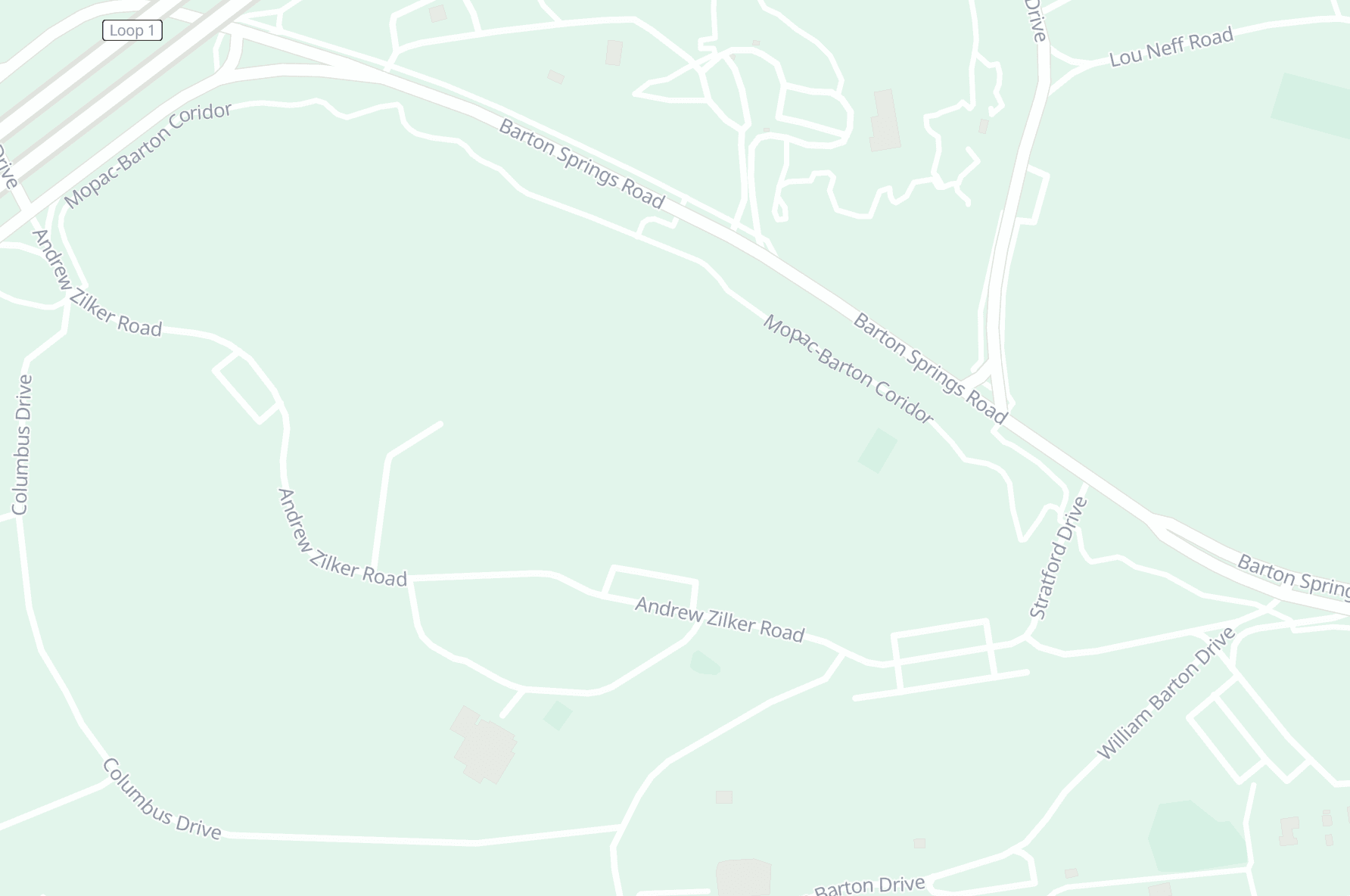
 AlexShared 6:42 PM© OpenStreetMap
See where they are
One location on a map, with how accurate it is and when it was taken.
One honest dot
on the map.
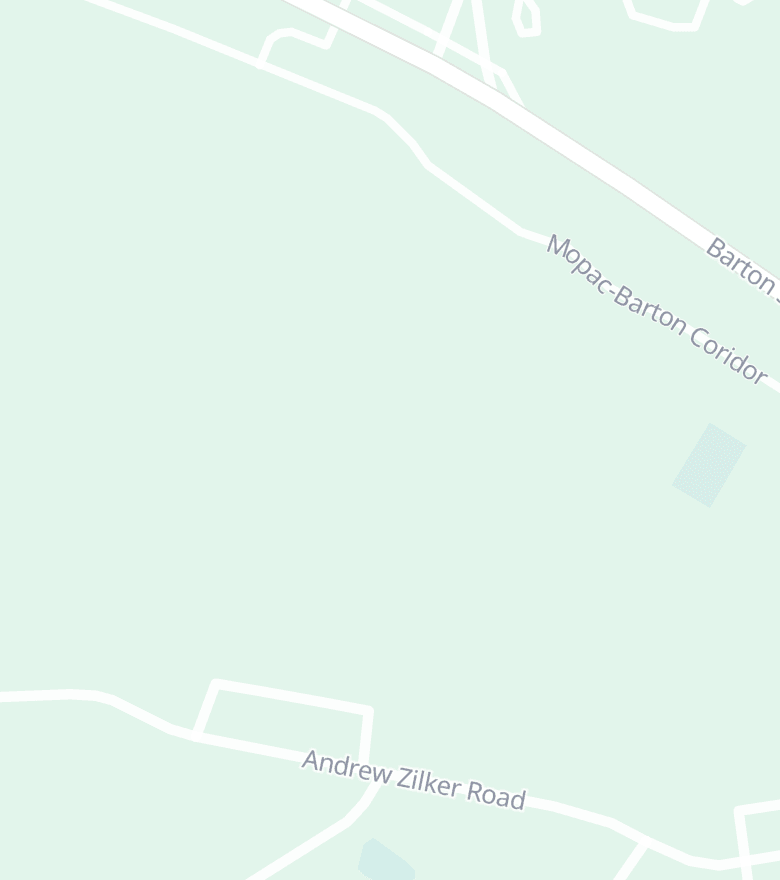
When they share, you get one location: a dot, a circle for how accurate it is, the nearest address and the time. Never a trail.
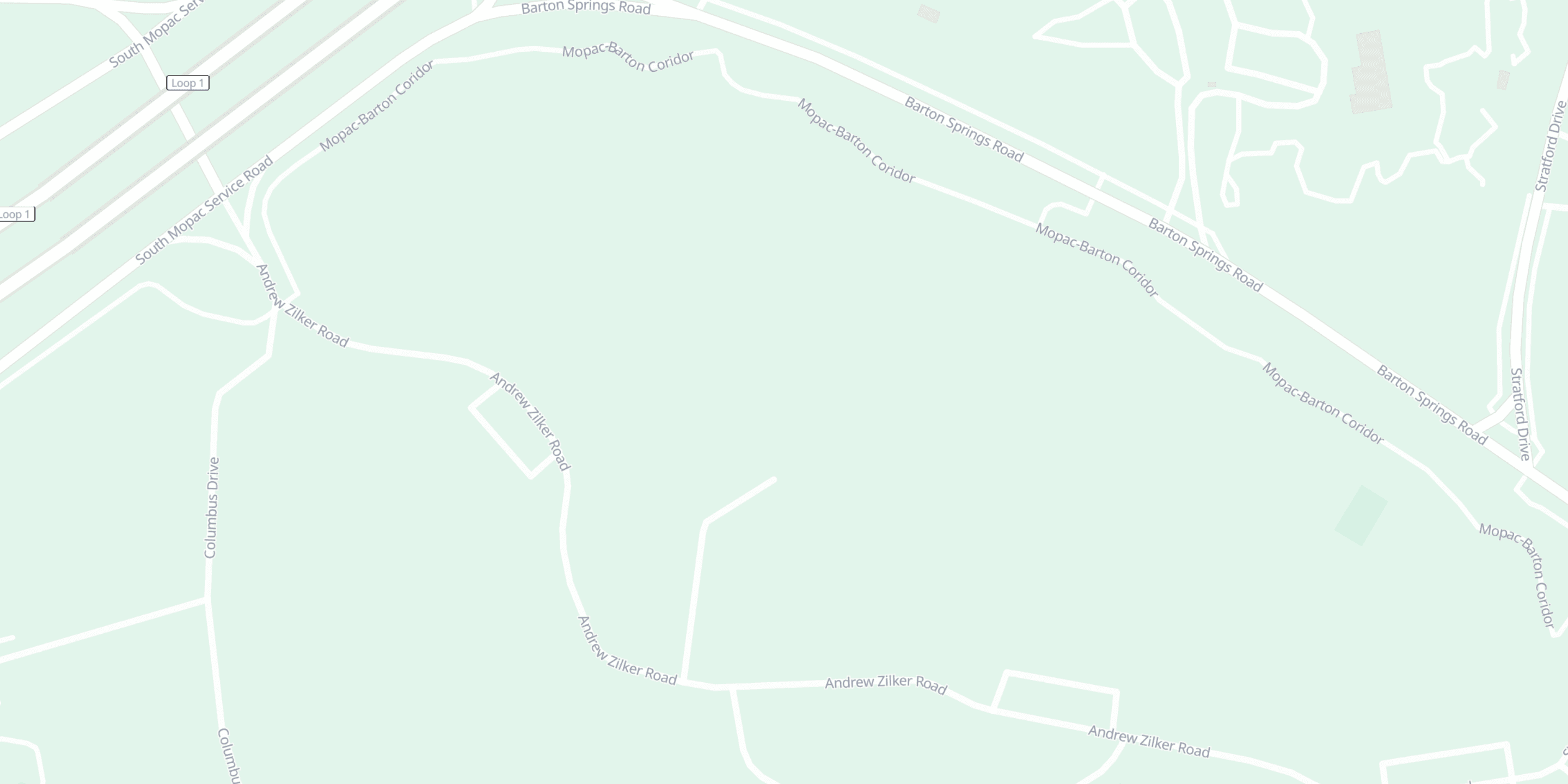
 AlexShared 6:42 PM± 35 maccuracy
Every name and place here is an example.







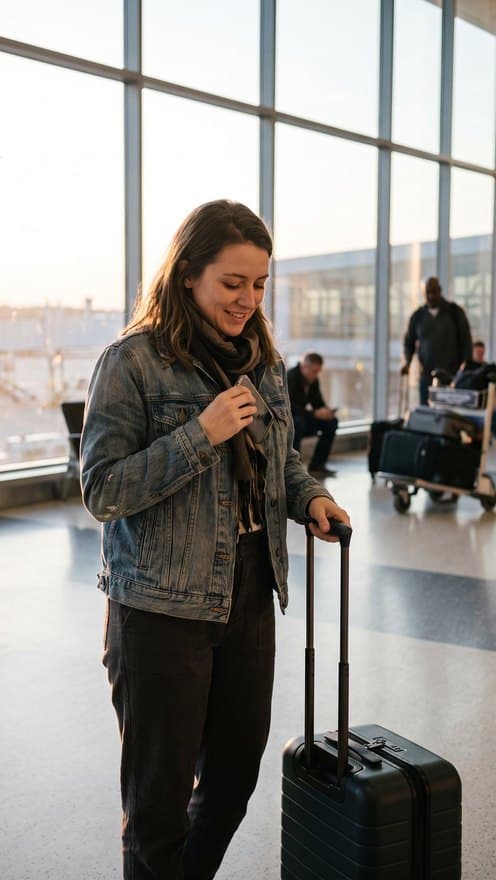

When a quick
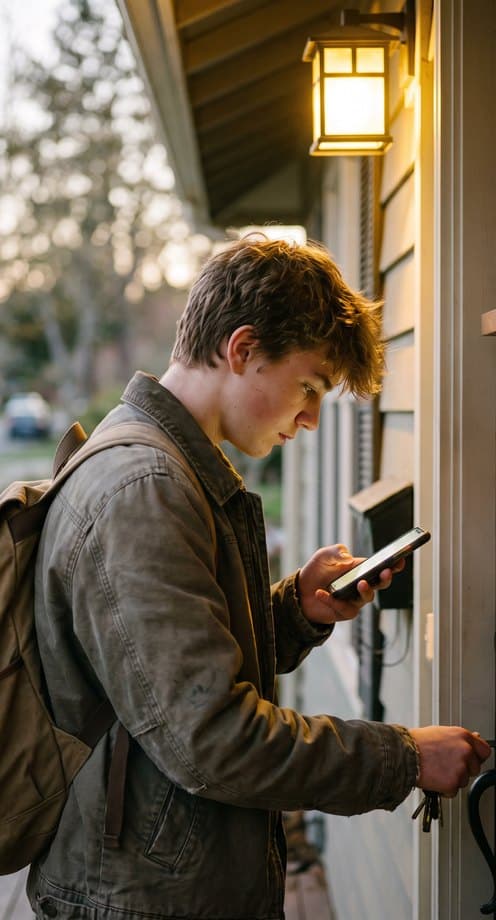
‘where are you?’ helps
One location, only when they choose to share it. For people aged 13 and over.
Did they get home?
Your teen shares once they’re back. You stop refreshing.
Where should I pick you up?
They share where practice let out.
Running late?
Ask a friend where they are instead of calling twice.
Back from the walk?
Check on Mom without asking her to install anything.
Landed yet?
Someone you love shares once when they land.
They know what you
are asking
The text names you, or says someone is asking. The page says exactly what will be shared and lets them choose.
What they see
- Your name in the text and on the page, if you add it
- Exactly what is shared: one location and how accurate it is
- Share once, Decline, or Block future requests
- A way to report a request they didn’t expect




Will they know I asked?
Only if you add your name. Leave it out and the text says “Someone asks you to share your location”. Either way, nothing is shared unless they tap Share.
Is this tracking?
No. Each request shares one location, once, after they tap Share. For ongoing sharing, use your phone’s built-in location sharing.
How soon will I see where they are?
As soon as they tap Share. They choose when: it can take up to 5 days, and we email you the moment they answer.
What if they say no?
You’ll see that they declined. You can ask the same number again after 30 days, or after 7 if they allowed you to send future requests.
Do they need an app?
No. The link opens in their phone’s browser.
How accurate is it?
As accurate as their phone reports, often within a few meters outdoors. We always show the accuracy circle.
How do I cancel?
Any time, from Plan and billing in your account. Your plan runs to the end of the period you paid for.

Ask where they are.
What you need
- Their US mobile number
- Your name, as they’ll see it
- Their tap on Share, within 5 days